

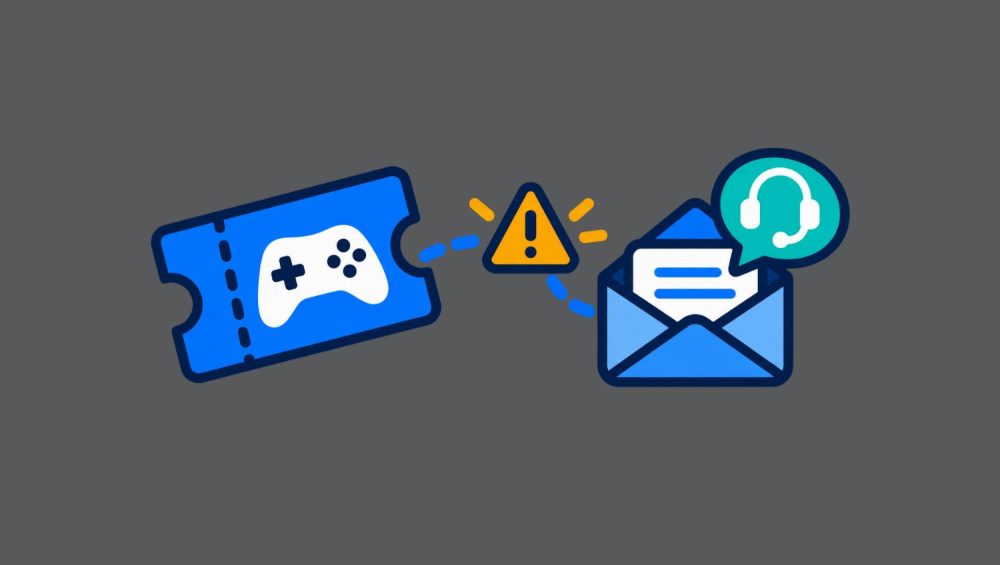
A major game launch is supposed to be a victory lap. Customers are excited, preorder emails are flying, and the store is ready to watch the sales counter do a happy little dance.
Then the key supplier delays delivery. An API starts timing out. A payment goes through, but the order never reaches the fulfillment stage. Support tickets multiply like rabbits near a vegetable patch. Suddenly, launch day looks less like a celebration and more like a control room in a disaster movie.
The uncomfortable truth is that even a well-run digital game store can run into trouble during a high-demand release. What separates a manageable disruption from a reputation bruiser is preparation.
A launch-day blackout plan gives teams a clear way to respond when systems get wobbly, keys arrive late, or customers begin asking the same urgent question in five hundred slightly different ways.
Why launch day breaks systems that work perfectly on ordinary days
Normal operating conditions are polite. Orders arrive steadily, support queues remain manageable, and supplier connections have room to breathe. Launch day is not polite.
A popular release can create an enormous spike in traffic within minutes. Players may be purchasing from different time zones, redeeming preorders at the same moment, or refreshing their inboxes with the focus of people waiting for concert tickets. Any weak point in the process can become visible fast.
A payment processor might authorize a transaction while the order management system fails to create the order. A fulfillment partner might have the keys but send them later than expected.
A store may sell more units than it can immediately deliver because inventory data did not update quickly enough. Even a minor issue can feel dramatic to customers who expected to be playing at midnight.
That is why the right question is not, “Will anything go wrong?” The better question is, “When something goes wrong, will the team know exactly what to do next?”
Create a launch-day command center before the release begins
A command center does not need flashing lights, five giant monitors, or someone shouting into a headset. It simply means assigning clear ownership before the rush begins.
One person should monitor sales and payment activity. Another should watch fulfillment and key-delivery status. A third should manage customer communication. Someone also needs authority to pause promotions, hide a product temporarily, or stop new sales if inventory becomes uncertain.
Without those roles, teams can fall into the classic crisis routine: everyone is helping, nobody is deciding, and three people are writing three different customer responses.
A simple launch-day checklist should include:
- Expected key delivery times from suppliers
- Confirmed inventory limits
- API and order-status monitoring
- Contact details for payment and fulfillment partners
- Prewritten customer updates
- Rules for pausing sales or promotions
- A process for identifying affected orders
- A schedule for internal status checks
The goal is not to predict every possible disaster. The goal is to avoid improvising while customers are waiting.
Separate payment problems from fulfillment problems
When a customer says, “I paid but did not get my game,” several different things may have happened. Treating them as one generic issue creates confusion for everyone.
A payment problem might mean the card was declined, the payment is still pending, or the transaction was reversed. A fulfillment problem means the payment was successful but the key was not delivered.
An order-creation problem may mean the customer was charged but the store failed to generate the order properly. A key-activation problem means the customer received a code but cannot use it.
Each situation needs a different response.
For example, a pending payment should not be handled like a missing key. A customer who received an invalid key should not be told to wait for a payment authorization. Clear categories help support teams respond faster and prevent them from making promises that the system cannot keep.
A good internal dashboard should show payment status, order status, fulfillment status, and supplier-key status separately. That way, a team can quickly see whether there is one isolated customer issue or a wider outage affecting hundreds of orders.
Decide when to pause sales
Pausing sales can feel scary, especially during a big release. However, continuing to sell a product when key availability is uncertain can create a much bigger problem.
A store should set clear thresholds in advance. For instance, if available key inventory falls below a defined level, if supplier confirmation has not arrived by a certain time, or if fulfillment errors rise above a certain percentage, the product can be temporarily paused.
This does not have to be dramatic. The product page can show a transparent notice such as: “Orders are temporarily unavailable while we confirm delivery availability.” That is far better than accepting purchases and leaving customers guessing when their code will arrive.
The same principle applies to promotional campaigns. If a flash sale is sending more traffic into an unresolved fulfillment issue, pause the campaign. A delayed discount may be disappointing. A delayed game key is much worse.
Give customers updates before they chase you for them
Silence is rocket fuel for frustration. When customers do not know what is happening, they tend to imagine the worst: that the store lost their payment, ignored their order, or vanished into the digital mist.
A good communication plan should include a status page, a visible message on the product page, and a ready-to-send email for affected buyers. The message should explain what is happening, who is affected, what the store is doing, and when the next update will arrive.
Avoid vague phrases such as “We are looking into it.” Customers deserve something more useful. Try: “We are experiencing a delay in key delivery from our supplier. Your payment is secure, and we are working to fulfill affected orders. We will send another update by 3:00 p.m. UTC.”
That kind of clarity reduces duplicate support requests because it answers the questions customers were about to ask.
1on1 Gaming Hub can strengthen trust during busy launches by making important order and product information easy to find. When shoppers can see the right details without hunting through menus or waiting in a support queue, the entire experience feels more reliable.
Prepare support agents with decision trees, not guesswork
Support agents are often the first people to feel the launch-day pressure. They need more than a general instruction to “help customers.”
Create short decision trees for common situations:
- Payment successful, key not delivered
- Order pending, payment pending
- Key delivered but activation failed
- Product sold out after purchase
- Customer bought the wrong edition
- Customer wants a refund before key delivery
- Customer claims they never received the email
Each path should tell the agent what to check, what language to use, when to escalate the issue, and what resolution options are available. This keeps responses consistent and prevents agents from making accidental promises that create more work later.
It also protects the team. During a support flood, people can become overwhelmed quickly. A clear process removes some of the mental strain and lets agents focus on the customer rather than trying to invent a policy in real time.
Review the blackout after the lights come back on
Once the rush settles, it is tempting to close the ticket queue, take a deep breath, and pretend the chaos never happened. Resist that temptation.
Every launch-day issue contains useful information. Review what failed, when the team noticed it, how long it lasted, how many customers were affected, and whether communication was fast enough. Look for the point where the process became slow or unclear.
Perhaps inventory alerts came too late. Maybe the supplier contact process was unclear. Maybe support agents needed better access to order data. These findings should become improvements before the next launch, not forgotten notes in a postmortem document that never gets opened again.
A strong blackout plan is not about proving that a store never has problems. It is about proving that the store can respond calmly, honestly, and effectively when problems arrive uninvited.
Launch day will always have a little chaos in its DNA. The trick is making sure the chaos stays behind the scenes, while customers get clear answers and a fair path to the game they were excited to play.
Final thoughts
A launch-day problem does not have to become a trust problem. Delayed keys, API errors, and sudden support floods are stressful, but customers are far more forgiving when they receive accurate information and a clear path forward.
The best digital game stores do not rely on luck when a major release goes live. They prepare their people, systems, messages, and escalation steps in advance, so even when launch day gets noisy, the customer experience does not fall apart with it.
#GamingCommerce #GameLaunch #DigitalGameStores #GameKeys #CustomerSupport #EcommerceOperations #1on1GamingHub